
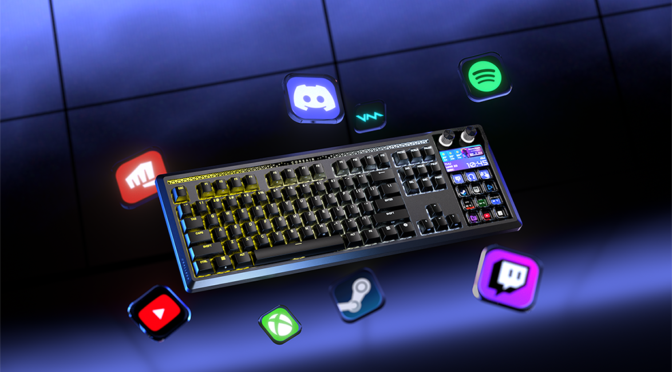
Corsair has paired its top-end gaming keyboard range with its Elgato Stream Deck customisable LCD controller. The result is the intriguing Galleon 100 SD.
In the box you have the keyboard, a very comfortable magnetic palm rest, two USB Type-C to Type-A cables and a Corsair-branded 2-in-1 keycap and switch puller. As is standard for Corsair kit, there’s no manual included, you need to use the QR code on the box or visit the Corsair website for the instructions.
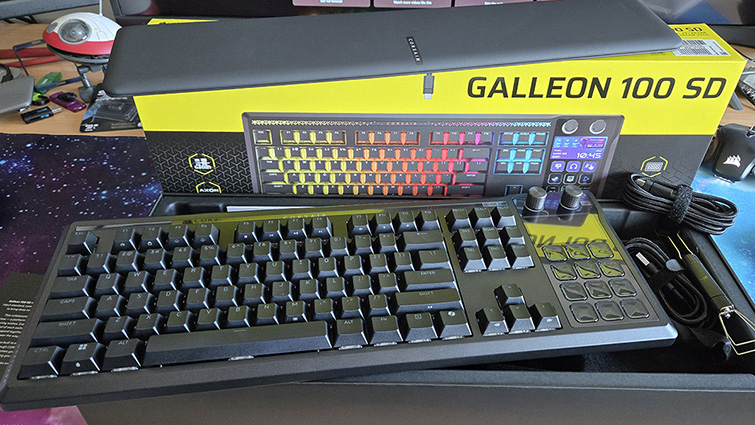
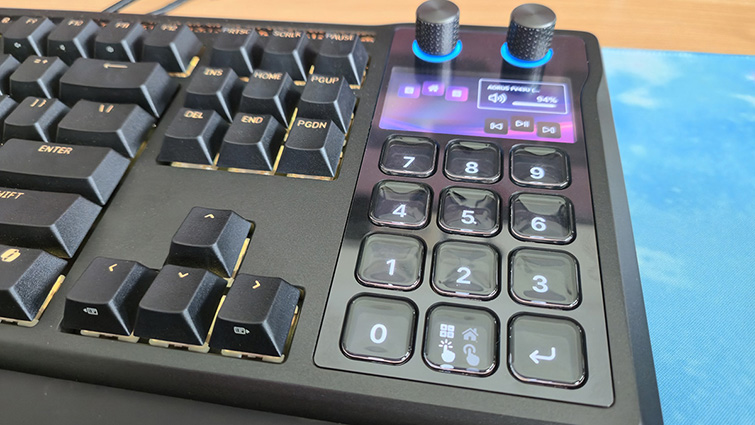
Although it is a full-sized keyboard, the Galleon 100 SD is, at first glance, similar to a TKL keyboard. On the right side, where the number keys should be, there’s a 12-button Stream Deck, a small LCD panel, and two dials. The Stream Deck buttons can still be set up to double as a number pad and the calculator functions, giving the keyboard full functionality and more.
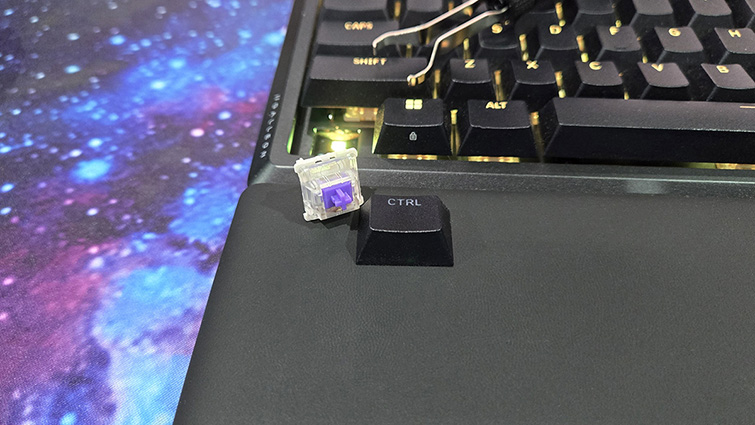
The mechanical keyboard uses Corsair MLX Pulse linear mechanical key switches. The switches have 45g actuation force, 2.0mm actuation distance and 3.6mm total travel. Practically speaking, this means a responsive keyboard that’s quiet but still very positive. Those that prefer the slight resistance of a tactile key switch may find themselves hitting the keys a bit harder, but you don’t need to. The switches are hot-swappable and easily removed using the included keycap and switch puller, if you want to try different ones.
I found the keyboard to be very comfortable to type on and responsive in-game, although I must say I’m a convert to a smaller TKL keyboard for first-person shooters. But as an all-around keyboard, it feels premium, with the lightly textured keys giving the keyboard a prestigious feel that’s not at all plasticky.
Aside from the integrated Stream Deck, there’s plenty of opportunity to make the keyboard your own. The keys have individually customisable RGB backlights, and there’s also a patterned RGB “mood bar” along the top, above the function keys.
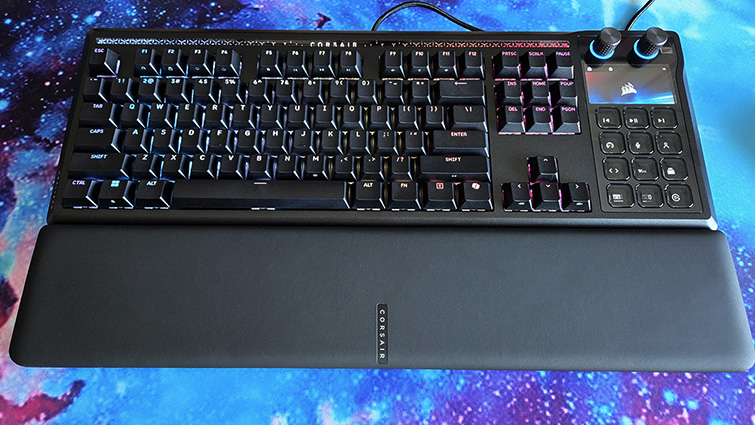
The otherwise standard QWERTY keyboard layout has an FN key for accessing fast switching to game mode, RGB brightness adjustments and media controls. There’s also a CoPilot button, so there’s no escaping Microsoft’s AI assistant.
The big deal with this keyboard is, of course, the Elgato Stream Deck integration. Corsair has been experimenting with its Stream Deck IP, with the virtual Stream Deck and its implementation into the Scimitar Elite MMO mouse.
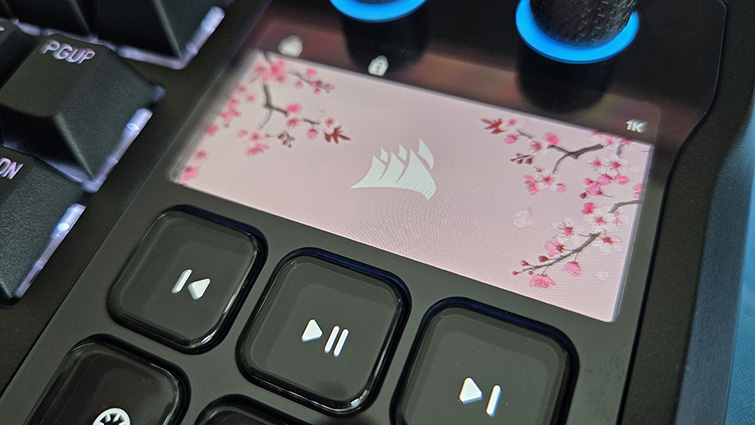
I’ve been using a Stream Deck for years, panels of customisable colour LCD that can be set up using, the free Stream Deck app, with whatever icons and functions you need. The thing with the Stream Deck is that you don’t know how useful it is until you’ve tried it.
Initially, I was intending to use it for Streamlabs OBS and Twitch, but it has since become my shortcut panel for Photoshop, Flight Simulator and all manner of Windows functions. The customisable button icons allow me to make professional-looking shortcuts for my favourite applications and put them within easy reach.
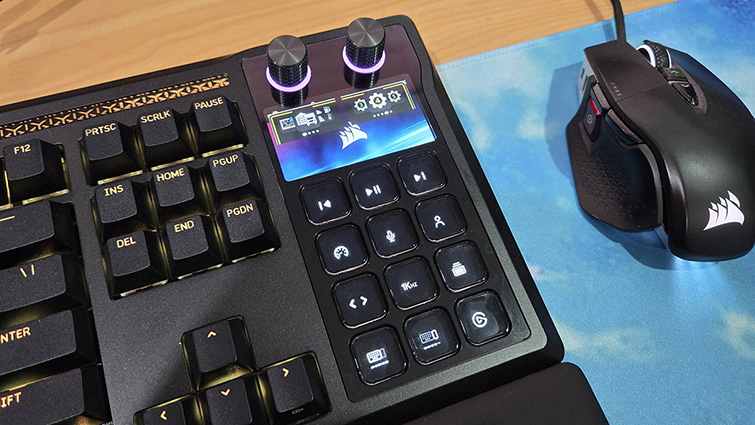
The Galleon 100 SD’s Stream Deck component has two dials, with customisable RGB bases, a 5-inch 720×1280 colour IPS LCD screen and 12 customisable LCD buttons.
When the Stream Deck app isn’t running, the LCD panel and dials switch to a default setting. The left dial cycles through number pad mode, being a regular keyboard number pad, and shortcut mode. Shortcut mode can control media, adjust the keyboard polling rate, the RGB/LCD settings, and switch the keyboard to game mode. The right dial adjusts the system audio volume.
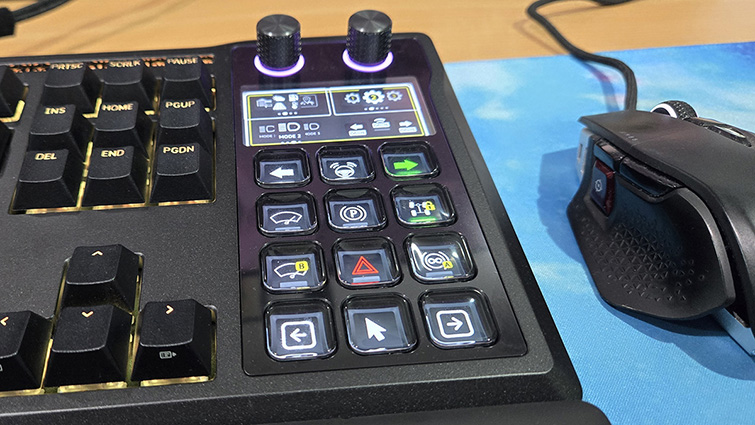
With the Stream Deck app running, the Galleon 100 SD comes into its own. The Stream Deck function works via profiles selected in the app that link the buttons to commands. Dedicated plugins, downloaded from the Elgato website, can be used to set up the LCD button as application shortcuts. It’s reasonably easy to set up your shortcuts by linking a macro to the LCD buttons. The default profile has many useful shortcut functions, and these can also be used as templates/learning tools if you want to start customising your own profiles.
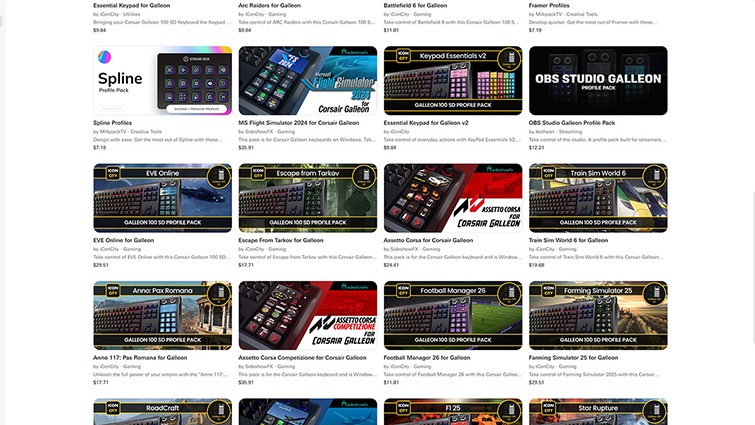
You can download preconfigured custom profiles for many popular applications and games from the Elgato website or via a link in the app. Some of the profiles are free, but most you will need to pay for. There are profiles for everything from Photoshop to Euro Truck Driver. If you need easy access to the complex control of space sims like Elite Dangerous or Star Citizen, the Galleon 100 SD puts them all within arm’s reach.
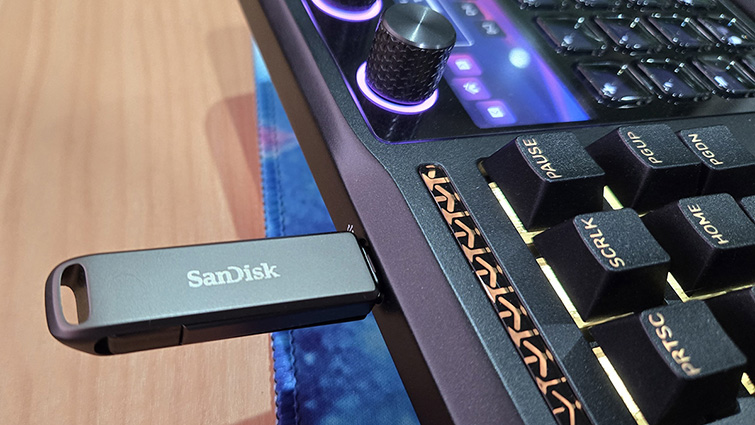
The keyboard also functions as a USB hub with a single USB Type-C port. This uses the second of the two included USB cables as a passthrough, the other providing the keyboard and Stream Deck connection. This USB port is very handy for sticking in a thumb drive or any other temporary peripheral, saving you from having to reach for your PC.
The Galleon 100 SD uses Corsair’s new web hub for firmware updates, setup and customisation. The web hub doesn’t work with Firefox and should not be used if Corsair’s iCUE software is running, which is a bit of a nuisance. But it is much better to use a browser-based web app to make hardware adjustments rather than installing bloatware.
The Corsair Galleon 100 SD is a stylish keyboard that’s great for typing and gaming. Stream Deck integration is super useful for streamers and media creators, but also gamers and anyone who wants easy-to-reach shortcuts for their productivity workflow.