
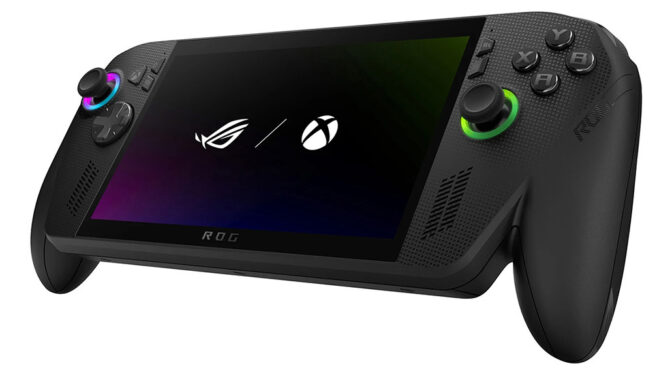
In what can only be described as an epic own-goal, Microsoft’s Windows Smart App Control function is messing up Asus ROG Xbox Ally gaming handhelds.
After a recent update, Windows 11 has flagged some of the Xbox handheld’s essential software components as untrustworthy. This is particularly embarrassing as the ROG Xbox Ally is a very high-profile collaboration between Microsoft and Asus, as part of Microsoft’s strategy to diversify the Xbox brand.
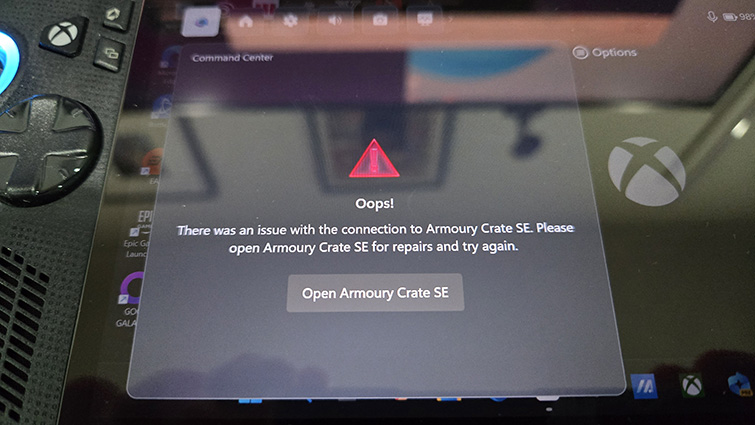
The software in question, Armoury Crate CE, is the core Asus software that controls the hardware functionality of the ROG Xbox Ally console. Some of the software is still working, but Xbox Ally owners may have trouble launching games outside of the Xbox app and making performance adjustments.
The Smart App Control feature is part of the Windows Defender security system. It effectively vets software that is trying to be installed against a database of trusted software. It would seem that Asus have either not properly set up the certificates for their Armoury Crate CE app or Microsoft’s database needs updating.
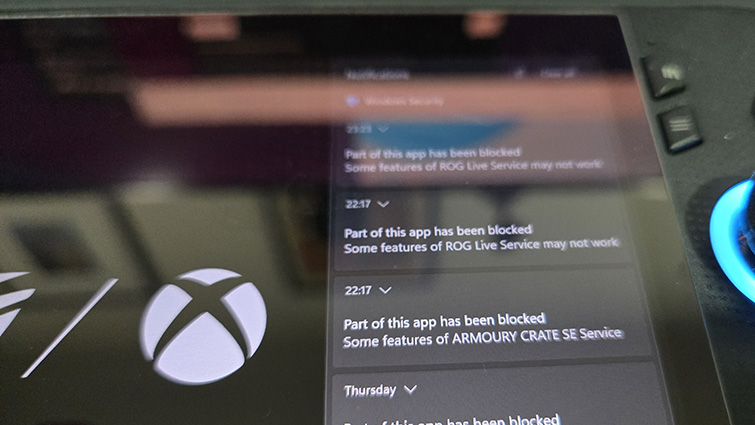
Either way, it’s a major fail on the part of Microsoft and Asus, and rather disappointing for all the affected ROG Xbox Ally X owners that are now getting an error on their AUD$1600 gaming consoles.
The ridiculous thing is that many Windows 11 PCs don’t have the Smart App Control feature switched on. Microsoft lists many reasons why this may be:
- Your device is enterprise-managed, or developer mode has been configured.
- During evaluation mode, Windows determined that you weren’t a good candidate for Smart App Control.
- It was turned off manually by you or another user who signed into your machine.
- Your device is running Windows in S mode. You’ll need to turn S mode off, then reset your PC, to enter evaluation mode.
- You have optional diagnostic data in Windows turned off.
My OG ROG Ally doesn’t have this switched on, neither does my desktop PC, nor the notebook I’m typing this on. So, I’m fairly certain that you can turn the Smart App Control off with no significant detriment.
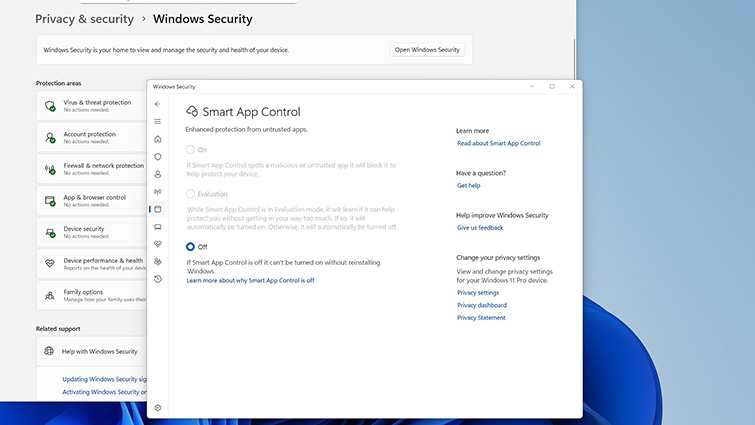
You can find the toggle in SETTINGS>APP AND BROWSER CONTROLS>SMART APP CONTROL SETTINGS. If you want to turn Smart App Control back on later, you’ll need to reset or reinstall Windows, although, apparently, an option to switch the function on without a reinstall may become available at a later date.
For now, ROG Xbox Ally owners are in the dark. Do they wait to see if a fix is forthcoming, or switch off a Windows security feature? Hopefully, an update will be made available very soon.