
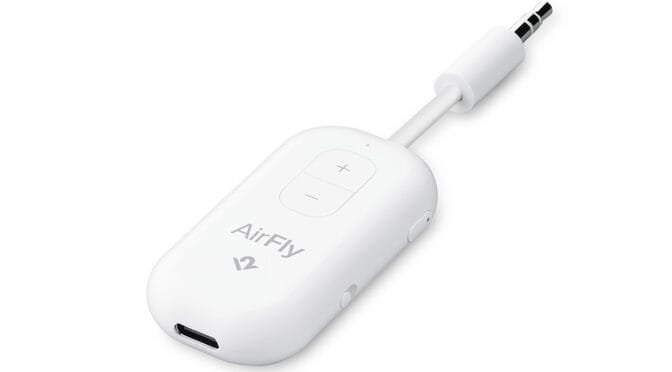
Twelve South’s AirFly Pro 2 is a neat little gizmo that adds Bluetooth audio functionality to any device with a 3.5mm audio socket.
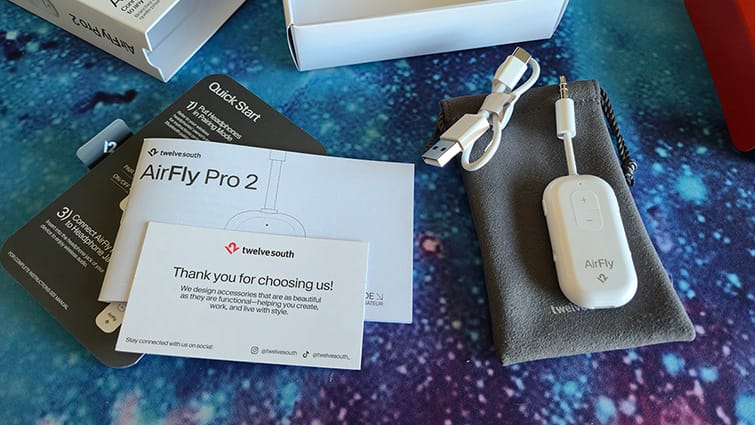
The AirFly Pro is a small, lightweight (16.5g) unit at just under 60mm by 30mm and 10mm thick. A short 20mm cable with a 3.5mm audio jack protrudes from one end. The package also comes with a neat little pouch and a USB Type-C to Type-A cable for charging.
An impressively comprehensive manual is included, which is useful for some of the more advanced features. But otherwise, the device is very intuitive to use. There’s also a quick start card, which, missing an opportunity, does not fit in the little pouch. The device, in its protective pouch, can easily fit in your pocket or even your headset bag.
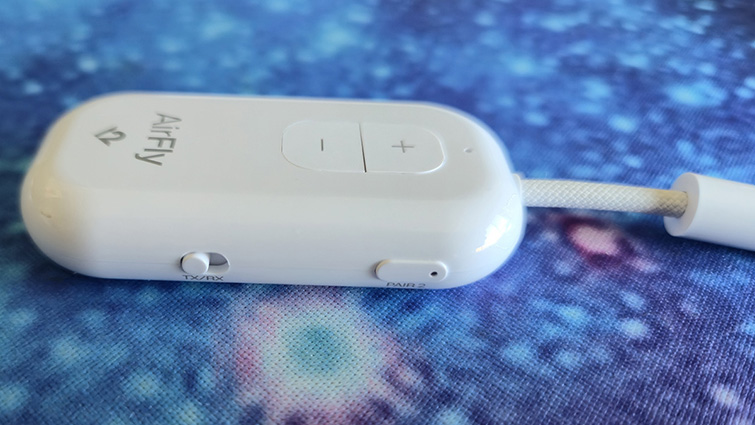
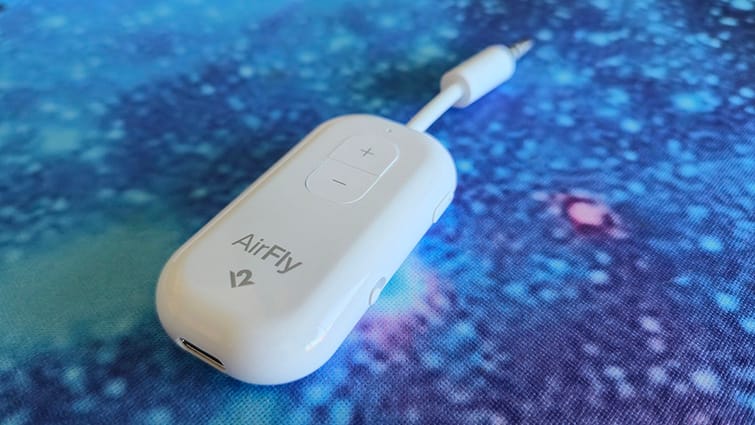
The front of the AirFly Pro 2 has a couple of large volume buttons. The left side has an on/off switch, and above it is the pairing button for device one. On the right side is a switch for RX/TX (more on that later), and above it is the pairing button for device two. There’s a USB Type-C port at the bottom of the device for the charging cable.
Pairing the AirFly Pro 2 is easy. Initially, the device starts in pairing mode, enabling headsets and earbuds to connect automatically. Subsequent pairing requires pressing and holding one of the pairing buttons for 4 seconds. The AirFly Pro 2 will remember the last two paired devices.
The AirFly Pro 2 works in either RX or TX mode, receive or transmit. It will not, however, use microphone functions for voice char or connect to a device to make calls.
In receive (RX) mode, you can plug the AirFly Pro 2 into the 3.5mm AUX socket of a car audio centre or a home hi-fi or amplifier set-up. You can then stream audio from your phone to the output device via the AirFly Pro 2.
In transmit (TX) mode, which is probably the most common use, you connect the AirFly Pro 2 to an audio device with a 3.5mm socket. This could be an aeroplane audio output, an older phone, a console controller, a PC or an old iPod. You then connect the AirFly Pro 2 to your headset or earbuds via Bluetooth to listen to the audio. You can pair two sets of earbuds or headphones to the AirFly Pro 2 to have both listen to the same audio source.
The killer TX application, as you can take from the AirFly Pro 2’s name, is for use with your Bluetooth earbuds when flying, AirPods in particular. But there are loads of other applications on terra firma.
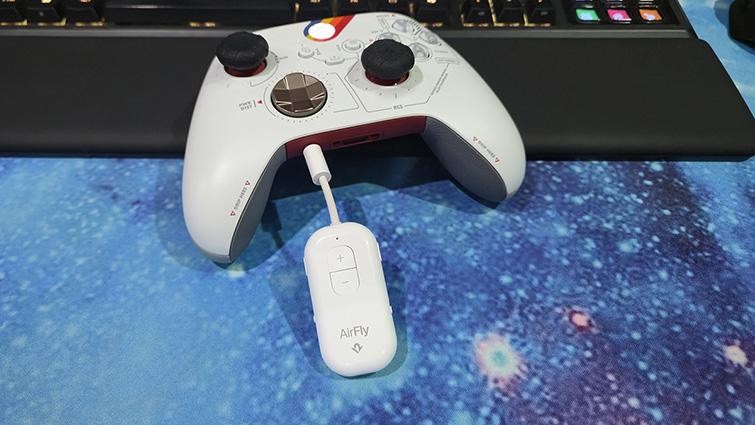
I use a few different gaming consoles and a PC, often switching between them. Whilst no good for voice chat, I found the AirFly Pro 2 useful for plugging it into game controllers. This meant that I could seamlessly continue the audio experience from the Xbox, PlayStation 5, Switch 2 or PC without taking off my headset or tinkering with settings.
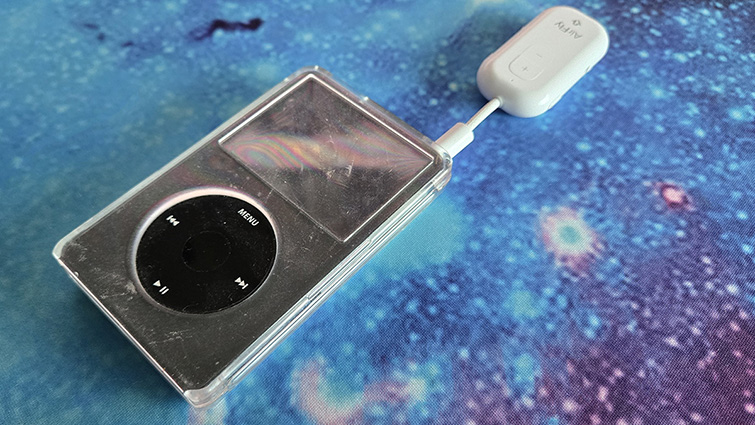
Another far cooler use was with an old iPod. The AirFly Pro 2 gave my 20-year-old iPod a Bluetooth upgrade and a new lease of life, with my kids enjoying the vintage device and all my old tunes.
With up to 25 hours between charges and fantastic audio transfer quality, the AirFly Pro 2 is a device that I found surprisingly useful, and I think that you will as well.