
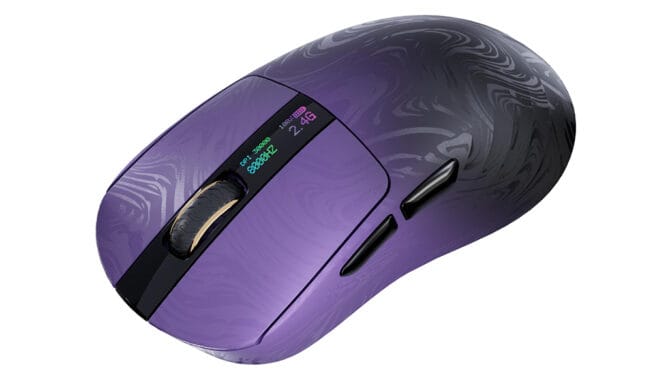
Epomaker’s lightweight, stylish, Carbonis wireless mouse offers an 8kHz polling rate for precision gaming.
In the box is the mouse, a male USB Type-A to Type-C cable, a USB Type-C female 2.4Ghz wireless receiver, and a sheet of replacement stickers for the underside of the mouse.
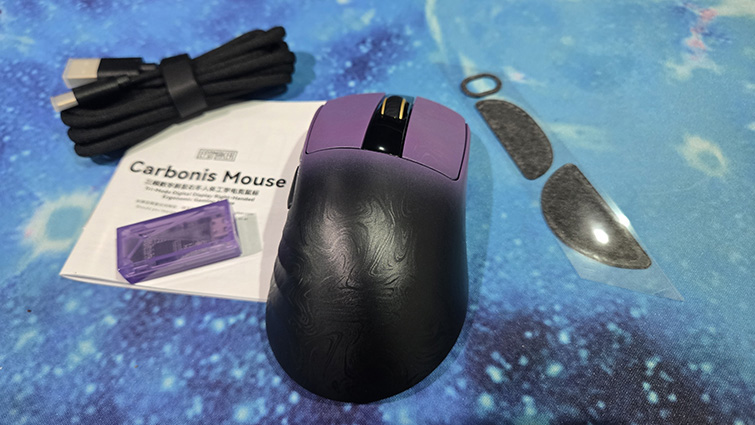
The USB cable doubles as a charge cable for the wireless mouse but is also essential for the wireless receiver. These wireless receivers are increasingly mounted at the end of a cable, especially on gaming mice, apparently to reduce interference.
The Carbonis receiver is also a bit chunky, even though other manufacturers have reduced them to the size of your thumbnail. Now, there may be some important reason for the size, but not the transparent purple design of the case, which looks a bit DIY, to be honest. A smaller dongle, and one that I could directly connect to my laptop, would have been preferred.
The mouse has a switch underneath for connection using the 2.4Ghz dongle or Bluetooth. I found using Bluetooth better for using the mouse with my laptop for general stuff but appreciated the better polling of the dongle for gaming. The mouse also works when charging via the USB cable.
The extra slippery stickers for the underside of the mouse are a great idea, especially if you tend to use the mouse on rough surfaces without a mouse mat. There are three stickers: one for the front and one for the back part, as well as another for around the sensor.
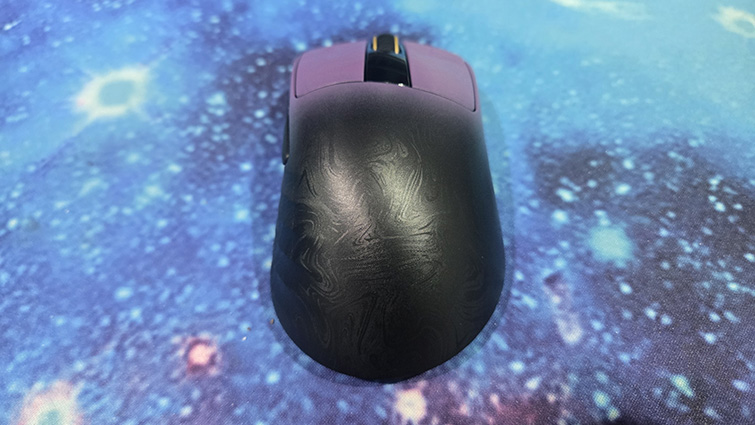
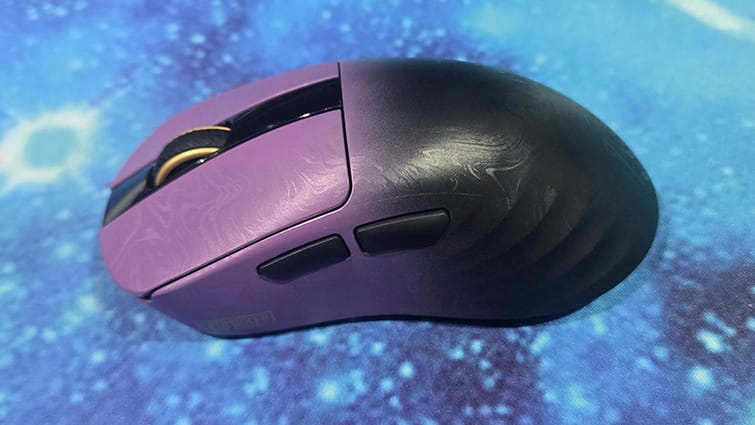
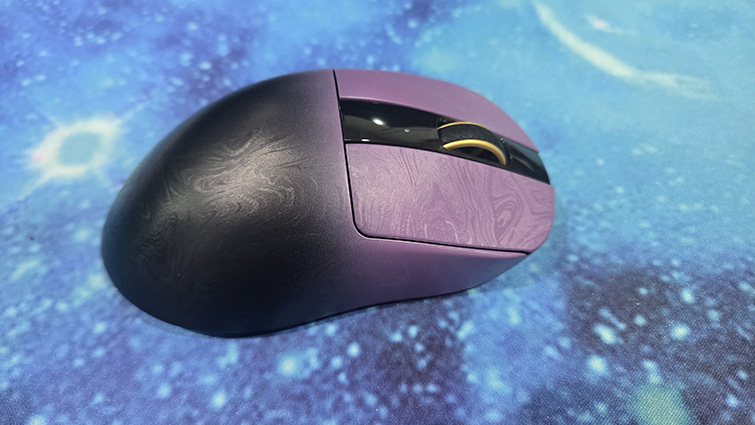
I love the design of the mouse. The carbon fibre composite shell feels good to hold, fitting nicely in the palm. But it’s also got an interesting etched pattern on the surface that gives it a silky look that really sets it apart. The two-tone black and purple and conch-style contouring near the side buttons add to the unique style.
The mouse is light, at around 50g. This is even more impressive, as the device has a little digital display below the scroll wheel with information on the current polling rate, DPI and connection type.
The default DPI is 1600, but using the button on the underside, you can switch between 400, 800,1600, 3200, 6400 and 30000 DPI. The Bluetooth polling rate is 125Hz, but can be switched between 125, 250,1000, 2000, 4000 and a whopping 8000Hz when connected with the 2.4Ghz dongle or USB cable. What’s also great is that you don’t need an app to switch the polling rate; you just hold one of the side buttons and the right button to cycle through the polling rates.
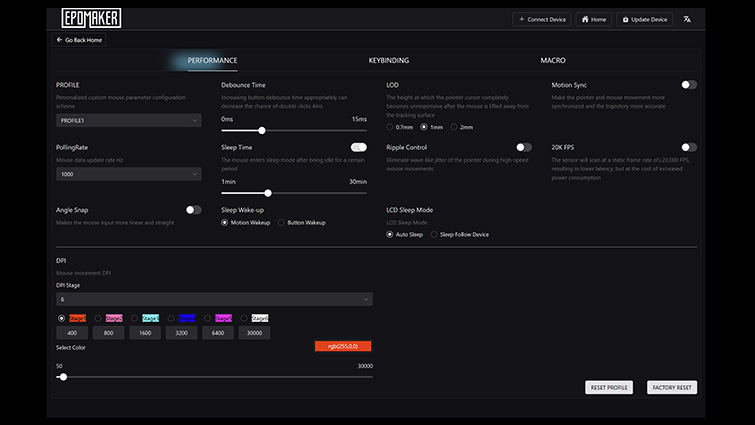
For further options, updates and customisation, you can use the online Epomaker hub app. There are some interesting options such as the LOD, the height at which the pointer moves after lifting the mouse from the surface. There’s also motion sync for trajectory accuracy, 20K DPI for lower latency, and sleep mode setting adjustment.
The Epomaker Carbonis is one of the best-looking gaming mice I’ve seen in a while. The display makes adjusting the DPI and polling rate on the fly very easy. Its light weight may not suit everyone, but I found it comfortable and precise.